Finance / TOOL
VAT Calculator.
Add or remove value-added tax from an amount.
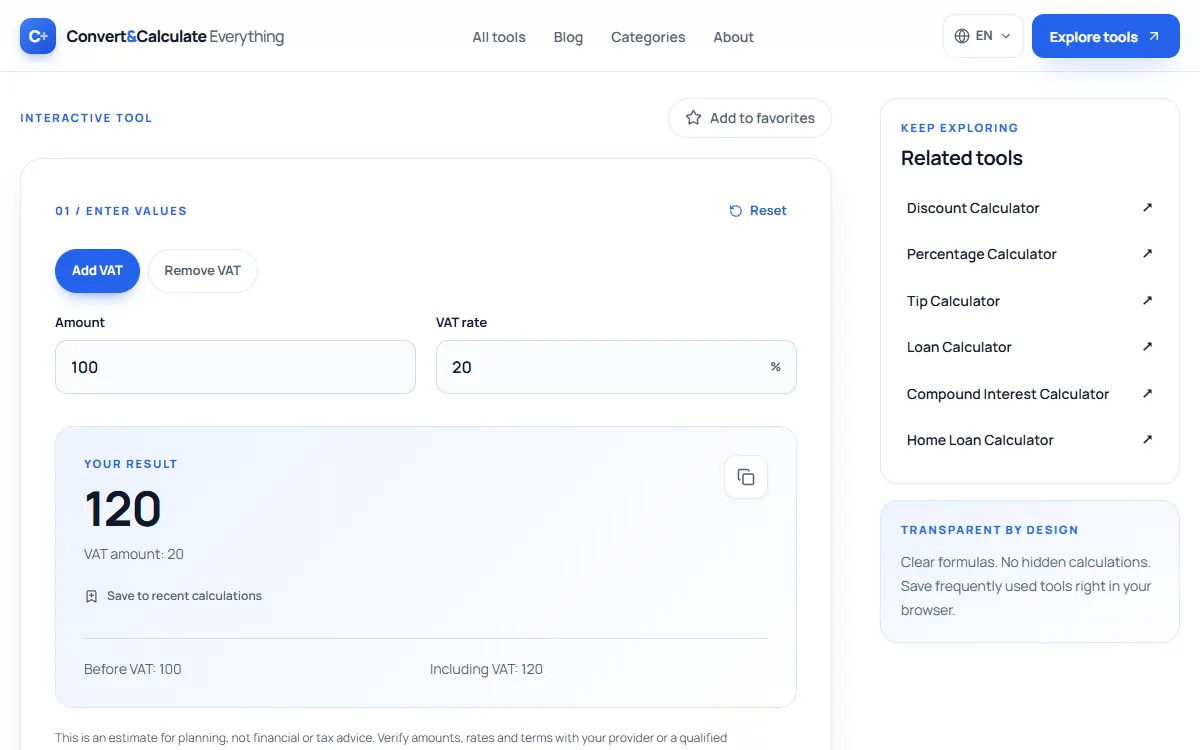
This VAT calculator adds VAT to a net price or removes it from a gross price at any rate. At 20%, a net price of 100 becomes 120, and a gross price of 120 contains 20 of VAT. Choose add or remove below, then enter the amount and the rate.
Updated
INTERACTIVE TOOL
01 / Enter values
Your result
VAT amount: 20
Before VAT: 100
Including VAT: 120
This is an estimate for planning, not financial or tax advice. Verify amounts, rates and terms with your provider or a qualified professional.
QUICK ANSWER
To add VAT, multiply the net price by (1 + VAT rate ÷ 100): 100 + 20% VAT = 120. To remove VAT, divide the gross price by (1 + rate ÷ 100): 120 ÷ 1.2 = 100. Never subtract 20% from a VAT-inclusive price.
THE METHOD
How it works
To add VAT: gross = net × (1 + rate ÷ 100). To remove VAT: net = gross ÷ (1 + rate ÷ 100).
PUT IT TO USE
Example calculation
Add 20% VAT to 100 for a total of 120. Remove 20% VAT from 120 to get 100 before tax.
Standard VAT rates in some countries
VAT rates differ by country and by product. The standard rate is 20% in the United Kingdom and France, 19% in Germany, 21% in Spain and the Netherlands, and 22% in Italy; many countries also have reduced rates for food, books or energy. Rates change, so confirm the current rate with the national tax authority before invoicing.
In VAT-registered businesses, prices are often quoted net (excluding VAT) to other businesses and gross (including VAT) to consumers. Use Add VAT to go from net to gross and Remove VAT to go back.
Why you cannot just subtract the percentage
VAT is charged on the net price, so it is a smaller share of the gross price. At 20%, VAT is one sixth of a VAT-inclusive amount: 20 of 120. Subtracting 20% of 120 (24) would be wrong.
In short
How to use the VAT Calculator
- Fill in “Amount”, for example 100.
- Fill in “VAT rate”, for example 21 %.
- Read the result. It updates as you type, so you can change any value and compare.
Quick reference
Worked examples
| Amount | VAT rate | Result |
|---|---|---|
| 100 | 21 % | 121 |
| 121 | 21 % | 100 |
| 59.99 | 19 % | 71.39 |
| 1000 | 5 % | 1,050 |
Quick reference
| VAT rate | Result |
|---|---|
| 5 % | 105 |
| 7 % | 107 |
| 10 % | 110 |
| 15 % | 115 |
| 17 % | 117 |
| 19 % | 119 |
| 20 % | 120 |
| 21 % | 121 |
| 23 % | 123 |
| 25 % | 125 |
Accuracy
How we checked this
We compared 4 results from this calculator with values we worked out independently, using exact decimal arithmetic and the published definitions, on October 26, 2026. 4 of 4 matched to the precision shown.
| Input | Independent value | This page | Match |
|---|---|---|---|
| 100 · 20 % | 120 | 120 | Yes |
| 120 · 20 % | 100 | 100 | Yes |
| 250 · 19 % | 297.5 | 297.5 | Yes |
| 1150 · 15 % | 1,000 | 1,000 | Yes |
From the source
In the EU, the VAT Directive sets the general framework for VAT rates.
Sources
GOOD TO KNOW
Frequently asked questions
How do I remove 20% VAT?
Divide the price by 1.2.
Does the US have VAT?
No. The US uses state and local sales taxes instead, added at the register.
How do I add VAT to a price?
Multiply the net price by 1 plus the VAT rate as a decimal. At 20% VAT, 50 × 1.20 = 60, so the VAT is 10. At 21%, use 1.21; at 19%, use 1.19.
More finance tools
LEARN MORE