Unit conversion / TOOL
Data Converter.
Convert bits, bytes and decimal storage units.
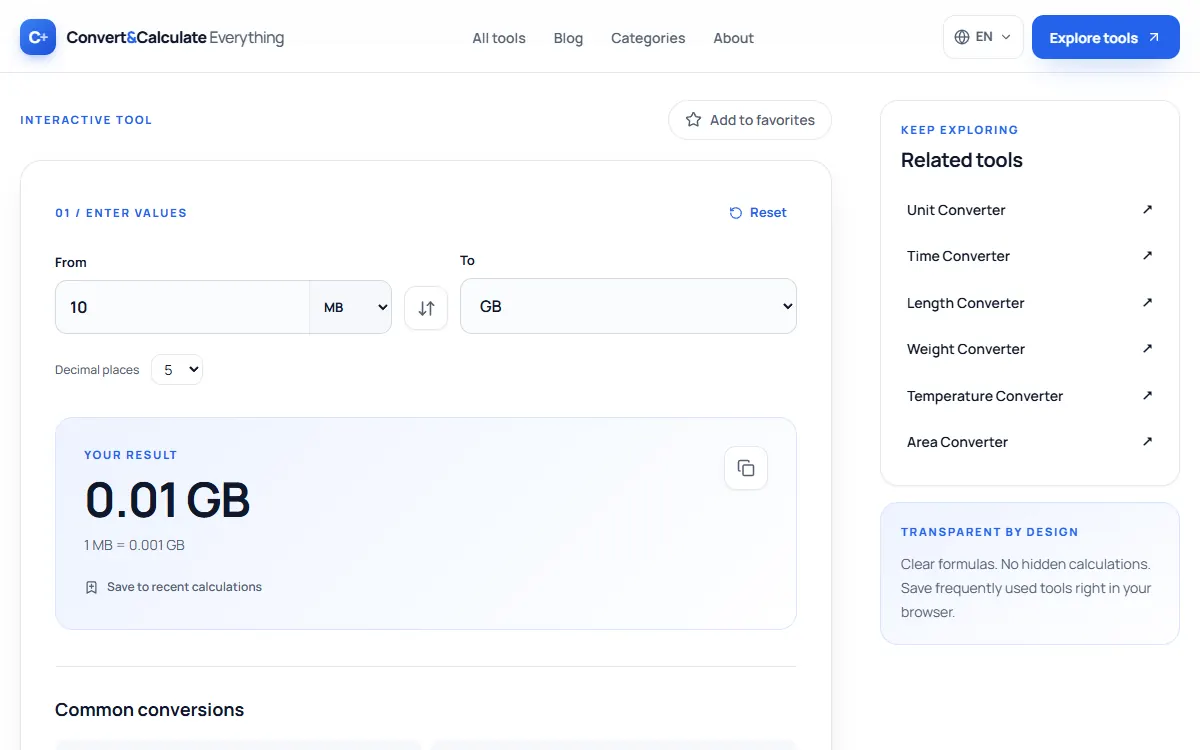
This data converter changes bits, bytes, kilobytes, megabytes, gigabytes and terabytes into each other using decimal units, where 1 TB is 1,000 GB and 1 GB is 1,000 MB. It explains why a 1 TB drive shows about 931 GB in some operating systems. Type a size below to convert it.
Updated
INTERACTIVE TOOL
Your result
1 MB = 0.001 GB
Common conversions
Storage uses decimal units (1 KB = 1,000 bytes). Data transfer rates (Mbps and MB/s) are converted to each other; they represent rates, not storage quantities.
QUICK ANSWER
1 terabyte (TB) = 1,000 gigabytes (GB), and 1 GB = 1,000 megabytes (MB), so an MB is much smaller than a GB. Operating systems that count in binary show 1 GiB = 1,024 MiB, which is why a "1 TB" drive appears as about 931 GB.
THE METHOD
How it works
Decimal storage: 1 KB = 1,000 bytes; 1 MB = 1,000,000 bytes. Transfer speed: 8 Mbps = 1 MB/s. Speeds should only be compared with speeds.
PUT IT TO USE
Example calculation
10 bit = 0.000001 MB. Change the amount or swap the units above to calculate your own value.
QUICK REFERENCE
Conversion tables
| TB | GB |
|---|---|
| 0.5 TB | 500 GB |
| 1 TB | 1,000 GB |
| 2 TB | 2,000 GB |
| 4 TB | 4,000 GB |
| 8 TB | 8,000 GB |
| 16 TB | 16,000 GB |
| MB | GB |
|---|---|
| 100 MB | 0.1 GB |
| 500 MB | 0.5 GB |
| 1,000 MB | 1 GB |
| 2,500 MB | 2.5 GB |
| 5,000 MB | 5 GB |
Is MB bigger than GB?
No. A gigabyte is 1,000 times larger than a megabyte. The order from smallest to largest is bit, byte, kilobyte (KB), megabyte (MB), gigabyte (GB), terabyte (TB) and petabyte (PB), each step 1,000 times the last.
Why does my 1 TB drive show 931 GB?
Drive makers count 1 TB as 1,000,000,000,000 bytes. Some operating systems, such as Windows, divide by 1,024 three times instead of 1,000, and still call the result GB. 10^12 ÷ 1,024³ is about 931, so no space is missing; the two sides simply use different units.
Drive makers use decimal units (1 TB = 10¹² bytes) while Windows reports binary units (1 GiB = 2³⁰ bytes) but labels them "GB". 10¹² ÷ 2³⁰ = 931.3, so no space is missing.
Storage vs internet speed
Internet speeds are in megabits per second (Mbps), not megabytes. Divide by 8: a 100 Mbps connection downloads about 12.5 MB per second.
In short
How to use the Data Converter
- Type the amount, for example 10 bit.
- Pick the unit you want, for example MB.
- Use the swap button to convert the other way, and the decimal places setting to round the answer.
- Read the result. It updates as you type, so you can change any value and compare.
Quick reference
MB to bit
| MB | bit |
|---|---|
| 0.5 MB | 4,000,000 bit |
| 1 MB | 8,000,000 bit |
| 2 MB | 16,000,000 bit |
| 5 MB | 40,000,000 bit |
| 10 MB | 80,000,000 bit |
| 25 MB | 200,000,000 bit |
| 50 MB | 400,000,000 bit |
| 100 MB | 800,000,000 bit |
| 250 MB | 2,000,000,000 bit |
| 1,000 MB | 8,000,000,000 bit |
Accuracy
How we checked this
We compared 4 results from this calculator with values we worked out independently, using exact decimal arithmetic and the published definitions, on October 26, 2026. 4 of 4 matched to the precision shown.
| Input | Independent value | This page | Match |
|---|---|---|---|
| 1 TB → GB | 1,000 | 1,000 | Yes |
| 1 GB → MB | 1,000 | 1,000 | Yes |
| 8 bit → B | 1 | 1 | Yes |
| 2,500 MB → GB | 2.5 | 2.5 | Yes |
From the source
NIST Special Publication (SP) 811, Appendix B is an essential source when exact unit conversion factors are needed.
Sources
GOOD TO KNOW
Frequently asked questions
How many GB are in a TB?
1,000 GB in decimal units (or 1,024 GiB in binary units).
Is MB bigger than GB?
No, 1 GB equals 1,000 MB.
How is this conversion calculated?
Decimal storage: 1 KB = 1,000 bytes; 1 MB = 1,000,000 bytes. Transfer speed: 8 Mbps = 1 MB/s. Speeds should only be compared with speeds.
Can I reverse the conversion?
Yes. Select the swap button between the fields to reverse the source and destination units instantly.
More unit conversion tools
- Unit Converter
- Weight Converter
- Temperature Converter
- Length Converter
- Area Converter
- Volume Converter
- Speed Converter
- Time Converter
- Energy Converter
- Power Converter
- Pressure Converter
- Force Converter
- Angle Converter
- Fuel Consumption Converter
- Km to Miles Converter
- KPH to MPH Converter
- Watts to kWh Calculator
- Kg to Lbs Converter
- Lbs to Kg Converter
- Cm to Inches Converter
- Inches to Cm Converter
- Miles to Km Converter
- Celsius to Fahrenheit Converter
- Fahrenheit to Celsius Converter